Is your team still responding to security events as an afterthought? Something happens, and you react? Today’s private security command center needs real-time situational awareness and a plan in place for everything from security breaches to evacuations.
When your role is to provide a centralized, coordinated response or handle surveillance for a company or large event, you don’t have a moment to lose to poor planning. Our list helps you design a command center that keeps execution and operations running smoothly from the first seconds through post-event evaluation.
Design Your Security Command Center’s Mission and Scope
Before buying furniture or equipment, you need a clear idea of what the job may entail and what your ultimate goals are.
What Are Your Key Objectives?
Start by breaking down what your security command center will do. This needs to be highly customized as no two agencies are identical. Think about:
- Asset and Physical Protection: Whether it’s people at an event or the technology in a government facility, know exactly what your team is protecting and how they’ll do the job.
- Cyber Protection: If there’s a risk of cyberattacks, how do you keep the IT infrastructure safe?
- Logistics: How do you monitor real-time tracking of your teams or assets? If you’re handling security for a warehouse, how do you do the job with as little disruption as possible?
- Travel: If you have personnel in another location or need to protect people while they’re traveling to another location, how are you coordinating the travel?
Stakeholders and Service Level Agreements
Several departments may have a vested interest in the security work you’re doing. You need to be aware of who might reach out and create a formal Service Level Agreement (SLA) with that department. It sets the groundwork for response times and communication. Have a plan in place for:
- Acknowledgment Times: How quickly are responses expected?
- Escalation Windows: How quickly should incidents get escalated to emergency personnel or leaders?
- Reporting: During the mission, how often should daily summaries or incident reports go to the executives or stakeholders?
Regulatory and Legal Requirements
Security details often must meet regulatory and legal requirements. Local, state, and federal privacy laws impact employee monitoring and how long you can retain video footage. For example, in Idaho, employers can’t record video of employees if the audio is turned on.
Additionally, you may need to follow CIP, HIPAA, or NERC standards. Make sure your private security teams follow all applicable rules and regulations.
Build an Organized, Comfortable Command Center Environment
Professionals working in a command center need a suitable work environment. If they’re uncomfortable or constantly moving around others in a disorganized space, it’s hard to stay on track. You need to consider:
- Acoustics and Lighting: During a high-stress situation, noise is a distraction. Sound-dampening wall panels, dimmable lighting, and high-quality speakers make a difference.
- Ergonomics: Chairs and desks should be ergonomic to keep command center personnel comfortable. You don’t want them fidgeting because their backs ache or their wrists hurt.
- Traffic Flow: Make sure that foot traffic moves freely without bumping into an operator’s chair or equipment.
- Video Displays or Walls: LCD or LED wall panels provide clear images, and setting them at easy-to-see distances helps avoid eye strain. All operators need to see the panels from their station. Outdoor video displays need to be visible in the sun.
Consider the Technology in the Command Center
Once the indoor layout is set and there’s plenty of room for people to move without creating disturbances, it’s time for the technology.
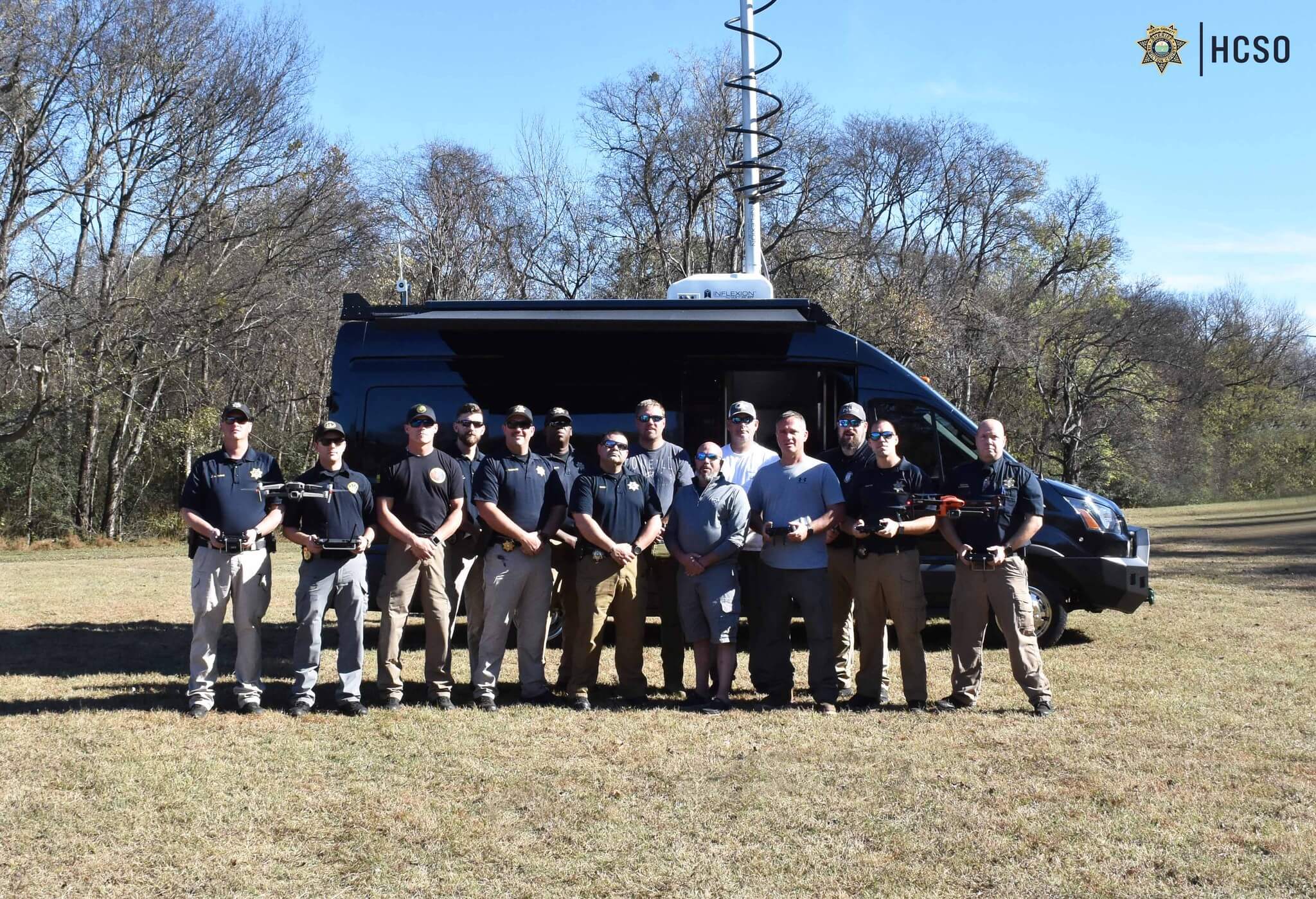
- Core Hardware and Systems Integration: Computers are a small part of the core hardware. Unmanned aircraft, like drones, are incredibly useful in security missions. Draxxon mobile command vans and trailers include launch stations and drone charging stations, fast setup times, live-stream and broadcasting capabilities, and onboard imagery and data recording.
- Communications and Collaboration: Integrated communication systems ensure teams communicate seamlessly with other emergency personnel, such as fire or police.
- Redundancy, Continuity, and Cyber-Resilience: If a weather event knocks out cell towers or a cyberattack takes out the power grid, you still need to communicate with your team. Backup generators keep your command center going.
- Threat Intelligence and AI: Use advanced technology to monitor for perimeter breaches and detect drones. Weather alerts and radar images keep you updated on any potential weather event.
Plan Your Security Operations Stages and Hold Training Sessions
You have the equipment in mind, and the layout is set. It’s time to familiarize your team with everything they need to know.
Standard Operating Procedures (SOPs)
Build a clear handbook or guide to the steps that are taken during a security detail. When should your team trigger a response? How can operators confirm the validity of an alert? When there is an issue, what does the initial response look like?
Fatigue Management, Shift Rotations, and Handover Protocols
Sometimes, security details last days or even weeks. If that’s the case, how do you manage fatigue within your team? Are you doing rotating shifts? When one team is finishing their day and another takes over, what are the requirements for handing over the command center to the next team?
Training, Simulations, and Drills
Finally, make sure everyone is fully trained in their roles and consider having everyone double up and learn another role, too. If an operator is sick, have another team member trained and ready to take over.
Hold unplanned drills to maintain a sense of urgency. Once training is complete, keep running unplanned drills. This not only refreshes established crew, but also helps hone the skills of newer trainees who are still getting comfortable in their role.
Ensure You’ve Future-Proofed Your Command Center Design
The best security command center is future-proof. As technology advances and event dynamics shift because of people’s attitudes or willingness to ignore societal rules, technology must be upgraded quickly to keep pace.
- Cloud and Hybrid Infrastructures: Processing zero-latency local video surveillance footage and storing low-priority footage in the cloud is important.
- Emerging Tech: Autonomous drones can perform outdoor or indoor perimeter checks. They need docking stations. API data feeds quickly analyze and alert you to changes in air quality, weather, and infrared images.
- Scalability and Modular Expansions: Modular furniture and server rack space make upgrades easier over time. Instead of buying brand-new mobile control vehicles, you replace a few equipment pieces and scale with ease.
Even with a guide to help you get started, we understand how important your decisions are. Work with the experts at Draxxon and build a personalized security command center that does exactly what you need, no matter the intensity of the mission.